1 — Add the VIN
Add your vehicle’s VIN (Vehicle Identification Number) to your quote request to ensure you order the right product for your vehicle.
TVS Flash
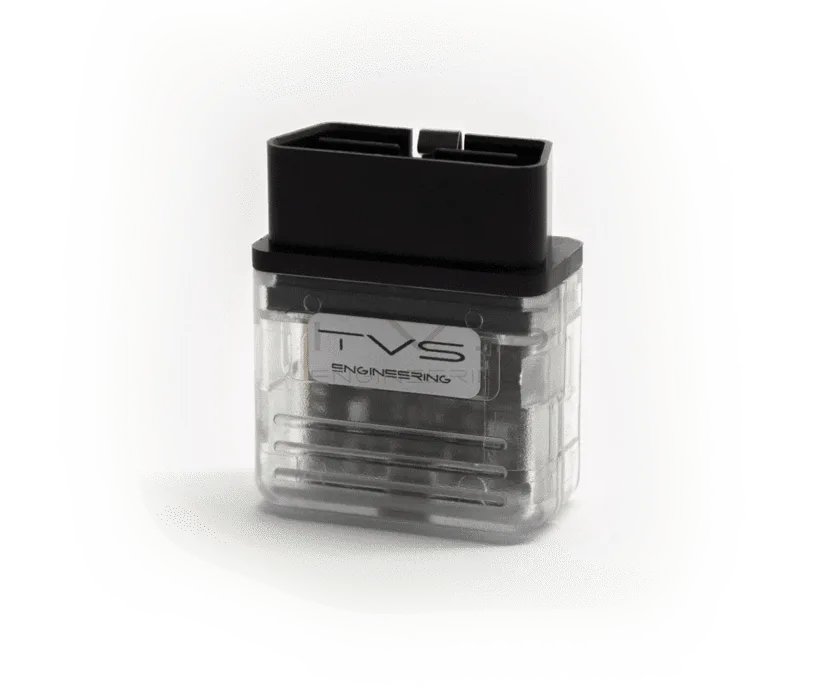
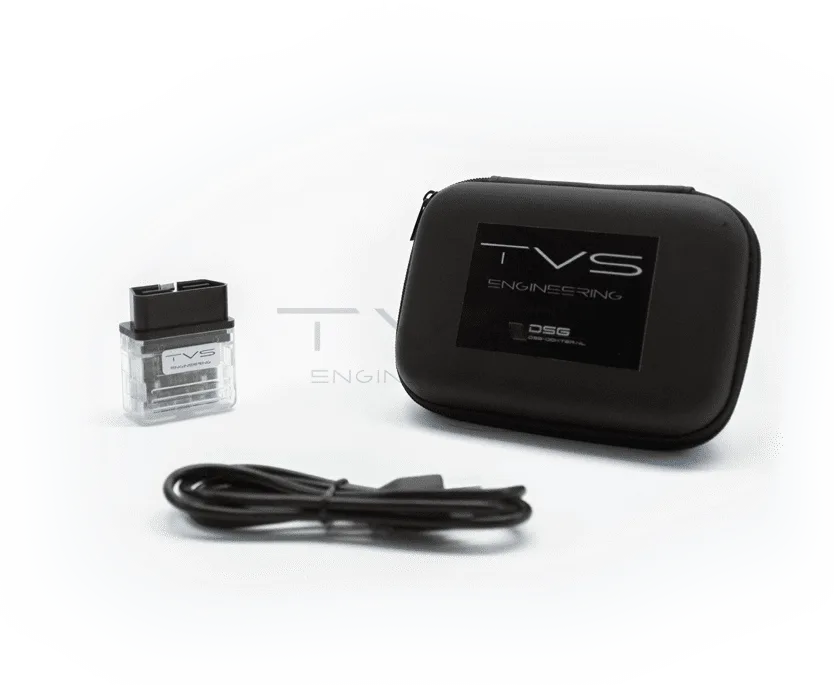
Install TVS ECU or TCU tunes from home using the TVS Personal Flasher solution
Connecting is as easy as installing the TVS Flash application and connecting the Personal Flasher to your laptop and vehicle’s OBDII port.
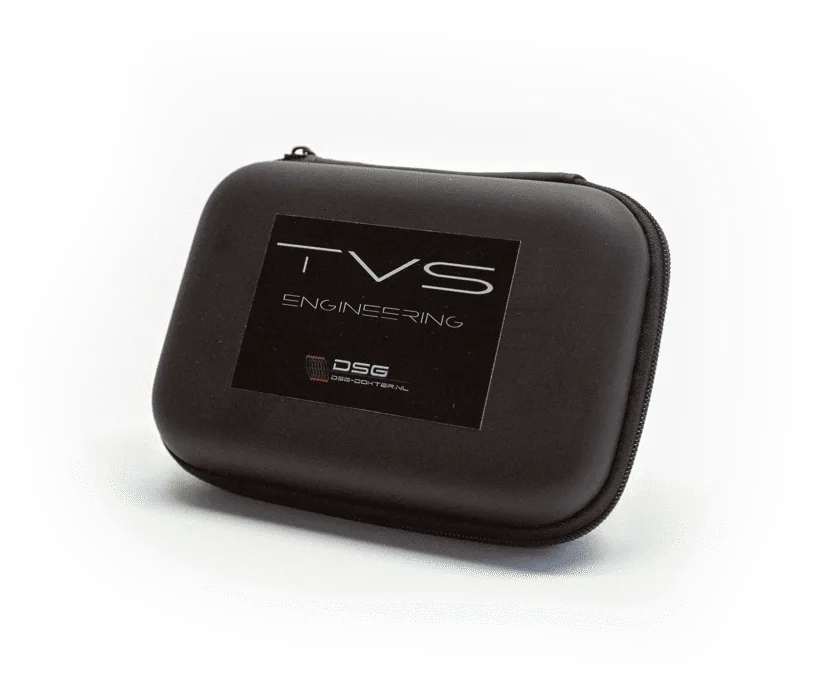
The TVS Flash package includes:
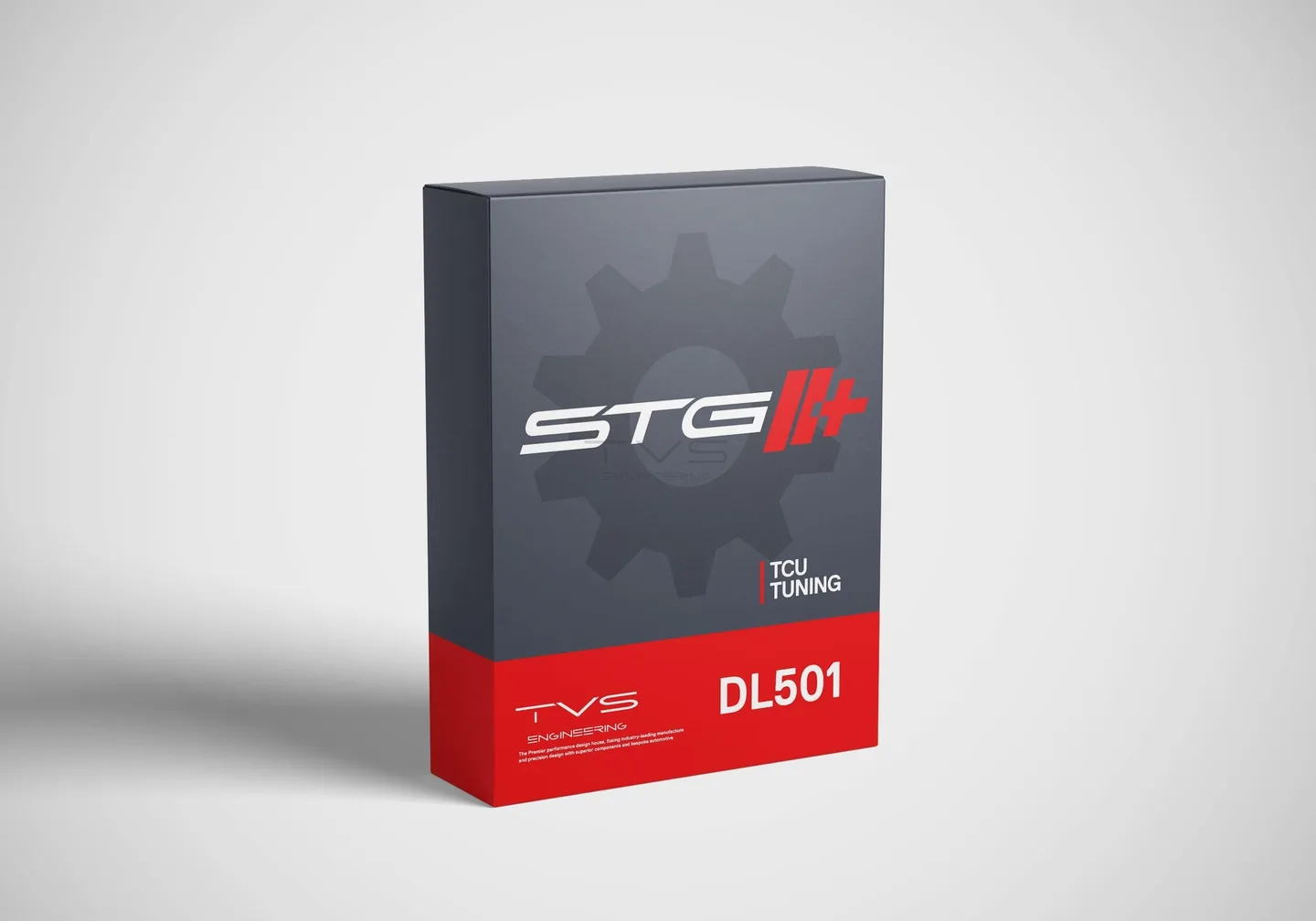
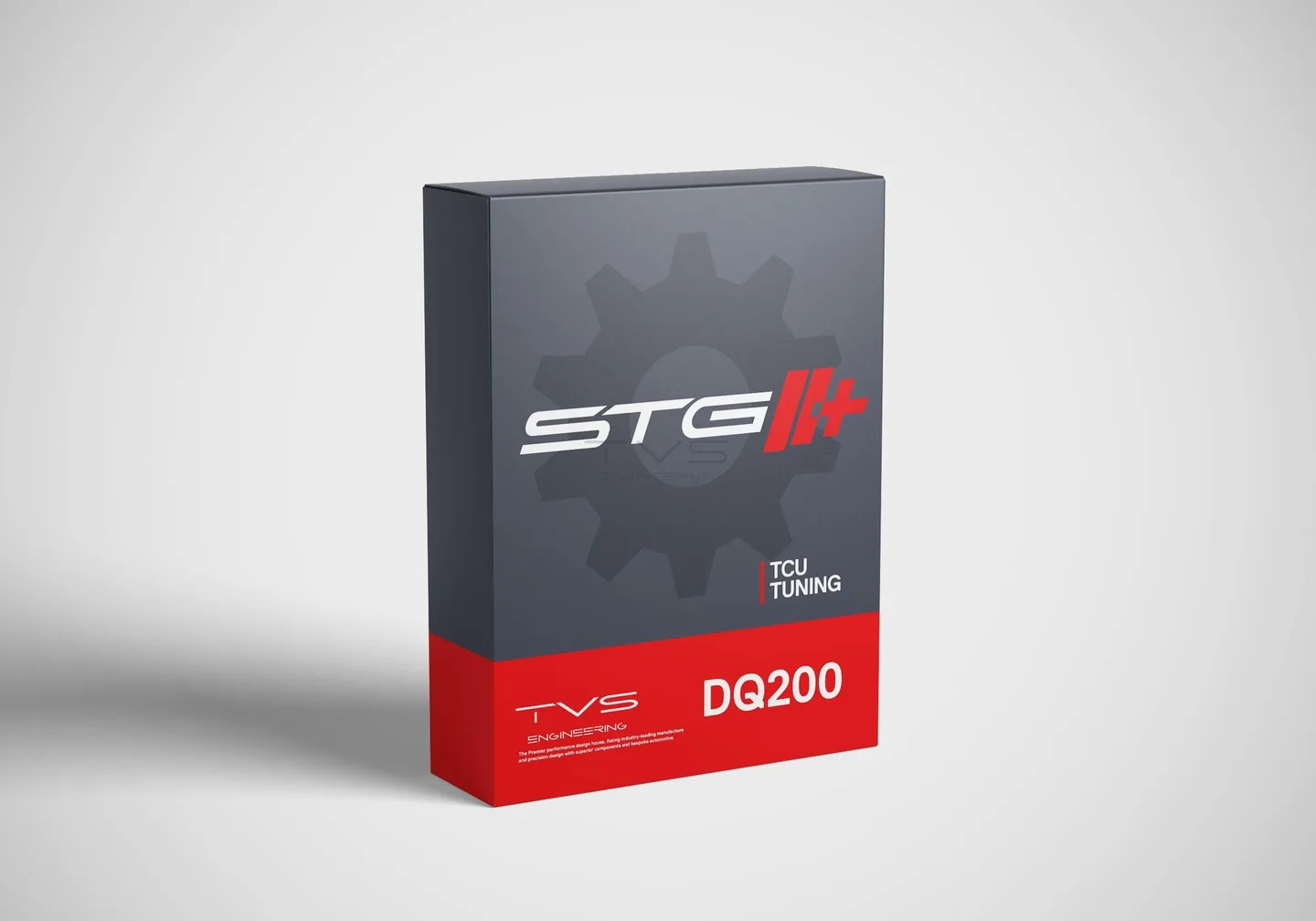
Please note that no TVS tune is included in the package or stored on the Personal Flasher. The purchased tune needs to be requested from TVS as described in the instruction manual. For more information visit the TVS Flash page.
Important note: TVS Flash is only available in countries and areas where no TVS dealer is located.
Price on request
Due to the variety and complexity of our products we currently only offer "request a quote" solutions. This way, TVS ensures you always receive the right product for your vehicle for the lowest price!
Add your vehicle’s VIN (Vehicle Identification Number) to your quote request to ensure you order the right product for your vehicle.
Check the selected products and VIN in your quote list, fill out your details and send your request.
Within 24 hours (Mo-Fr) TVS will validate your request to ensure your selected products are on stock and match your application.
Within 48 hours (Mo-Fr) you will receive a requested quotation based on your request or TVS recommendations.
If you are satisfied with the received quotation you can proceed with payment. TVS will ship the products a.s.a.p. after receiving the payment!
Ordering complex vehicle parts often goes wrong. Two vehicles of the exact same model can contain different parts. With the VIN we can determine exactly which part you need.